
Eventlet
Turn any text into a calendar event.
Turn any text into a calendar event.
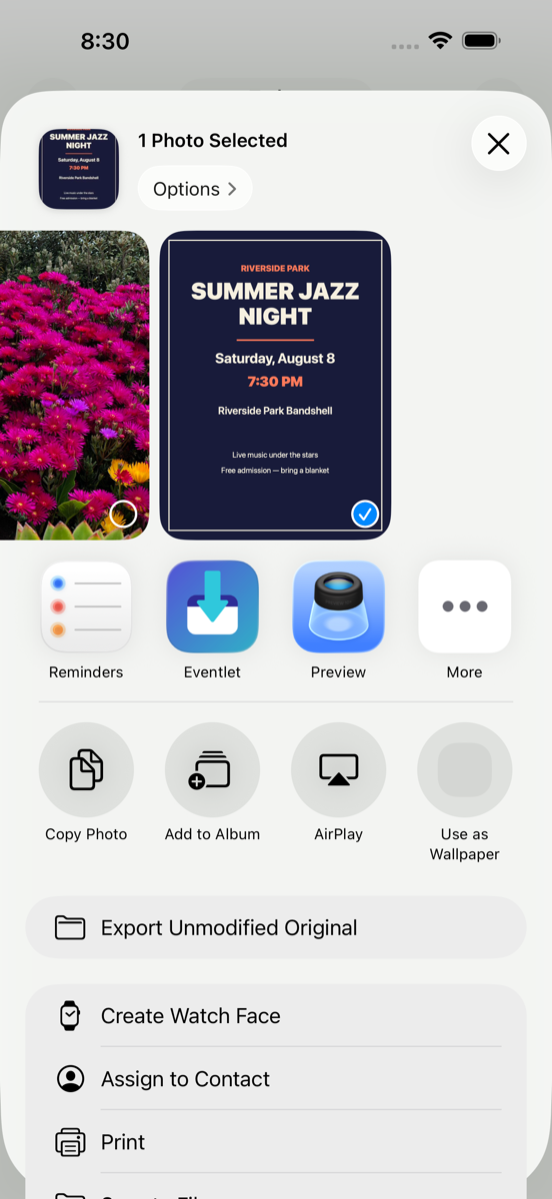
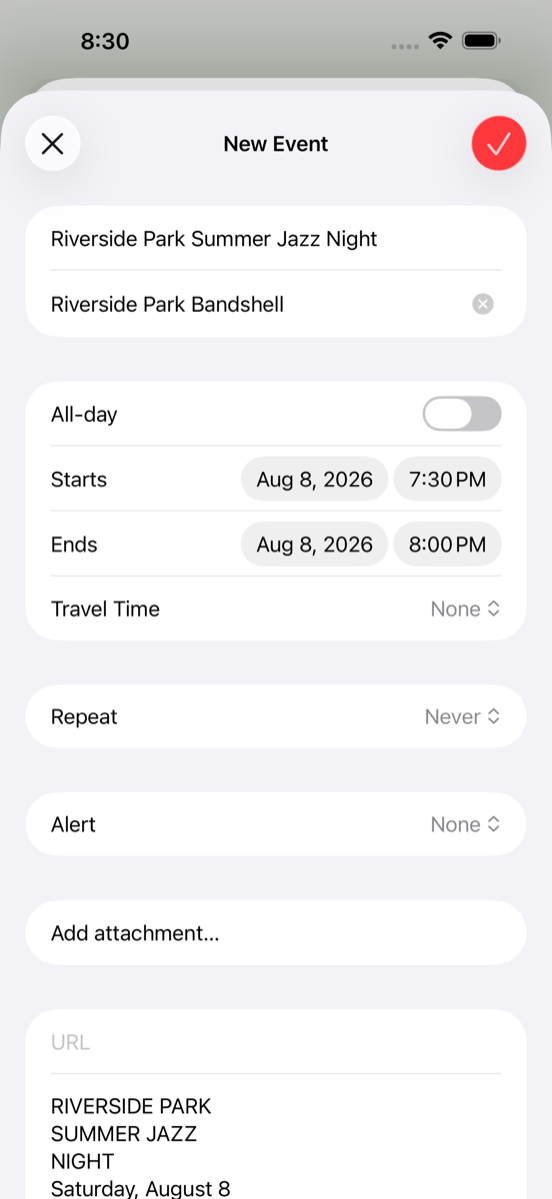
A text from a friend, a line in an email, a flyer taped to a lamppost — most of the events in your life arrive as words, and then you retype them into your calendar one field at a time. Eventlet skips that part.
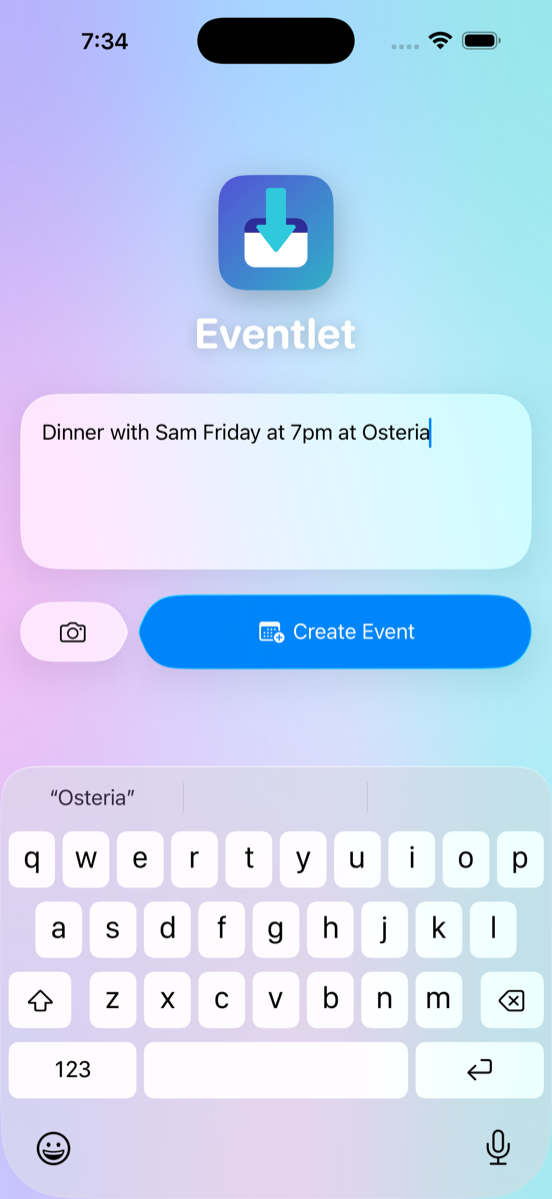
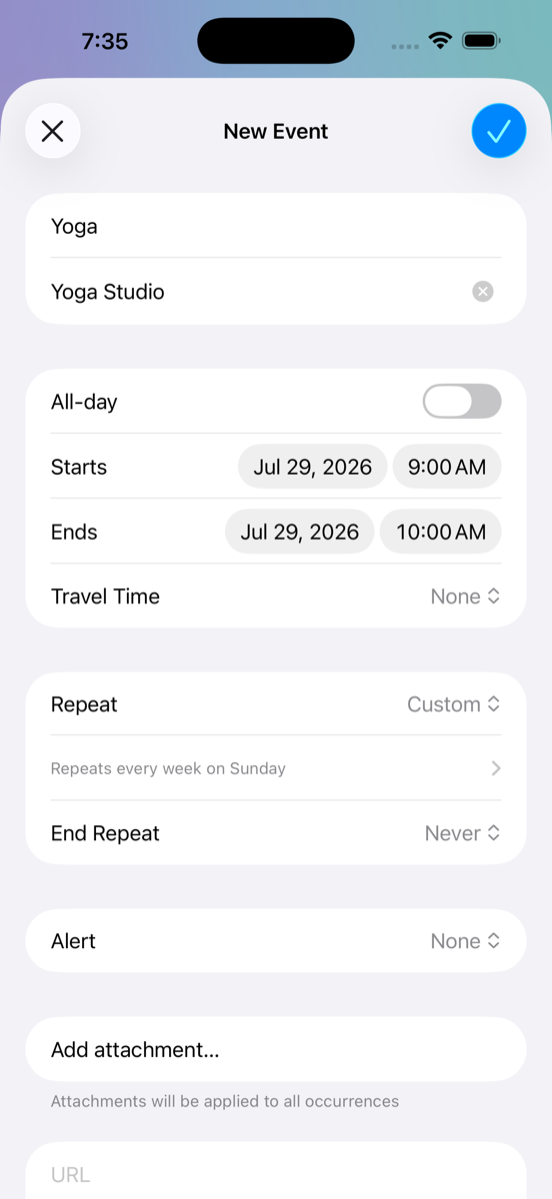
Type or paste anything — "dinner with Sam Friday at 7pm at Osteria" — and Eventlet reads it with Apple's on-device AI, fills in the title, time, and place, and hands you a ready-made calendar event. One tap to confirm and it's on your calendar.
Private by construction: the language model, the text recognition, and everything else runs on your iPhone. No account, no analytics, no servers — your plans never leave your phone. Eventlet doesn't even need permission to read your calendar; it only hands events to the system sheet you approve.
iOS 26 or later. Apple Intelligence recommended for the smartest parsing; on devices without it, Eventlet falls back to Apple's built-in date detection.